01
Private by Physics
Images are decoded, resized, and encoded in your browser. No upload, no account, no silent telemetry.
Image Compression Studio
Crush photographs down to the kilobytes they deserve — without shipping a single pixel to a server. Tune quality, resize, convert, and compare. All in the browser.
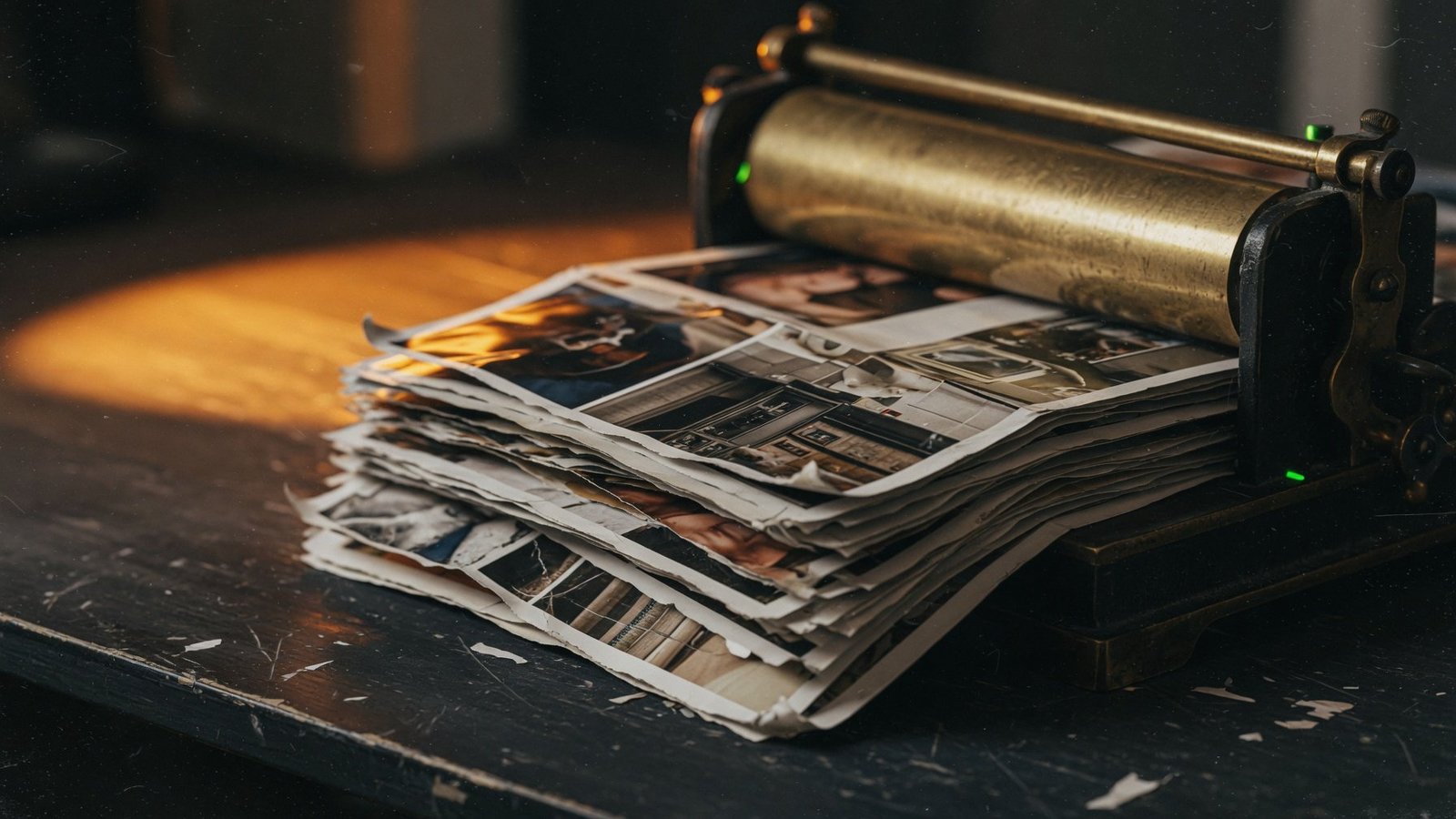
Before → After
4.82 MB → 412 KB
01 — The Lab
Drag a handful of images, paste from your clipboard, or browse. Nothing leaves this tab.
JPEG, PNG, WebP, GIF. Paste from clipboard or load a sample to see the lab in motion.
02 — Craft
Images are decoded, resized, and encoded in your browser. No upload, no account, no silent telemetry.
Tuned defaults for real cameras — quality 80, WebP out — so files drop hard without looking cooked.
Drop a contact sheet’s worth of files. Crush them together. Download or zip the results in one click.
See exact file size savings and visual impact. Quality dial changes re-encode live so the preview matches the download.
Cap the longest edge at 4K, 1920, 1280, or 800. Useful for web, decks, and clients who still mail 12MB JPEGs.
Convert as you compress. Keep the original type, or switch to WebP when the destination can take it.
03 — Process
Drag, browse, or paste. CRUSH reads pixels locally and never opens a network request for your photographs.
Quality, format, and longest edge. Every change re-encodes so the preview is the file you will download.
Download one, or grab the whole batch. Metadata is stripped in the canvas pass — another few kilobytes gone.
04 — FAQ